
How do I register and sign in?
Open the registration page, enter the requested account information and follow the email-confirmation instructions. After registration, complete your profile with accurate information.
Sign in using your registered username or email address and password. If you have not confirmed your email, follow the confirmation message or use the confirmation-email resend page.
Related pages
I have not received the confirmation email.
Check the address you entered, your spam or junk folder, mailbox capacity and any sender-blocking rules. Request a new confirmation email from the resend page and use the newest message.
If it still does not arrive, contact Customer Support with your username and approximate registration time. Never send your password or email confirmation code to support.
Related pages
I forgot my password or cannot sign in.
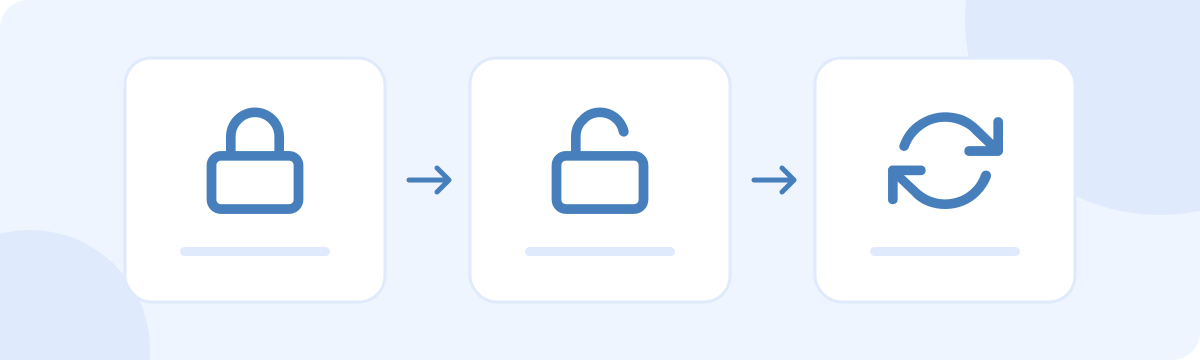
Use the password-reset page and enter your registered email address. Follow the link in the reset email to set a new password. Check spam folders if the email is missing.
Check spelling, extra spaces and whether email confirmation is complete. If you can no longer access the registered email or your account is restricted, contact support. Do not create repeated accounts to bypass a restriction.
Related pages
How do I change my email or password?
After signing in, open Account settings. Enter the new email address or new password, supply your current password and save. Follow any email-confirmation instructions shown for an address change.
Use a unique password and keep your email account secure. If you suspect unauthorized access, change your password and contact support promptly.
Related pages
How do I close my account?
After signing in, open the account-deletion page in Settings, read the notice and confirm deletion only when you are ready. Check your remaining credits, paid-feature period and any information you need before continuing.
Deleting an account is different from signing out. It does not automatically create a refund request or remove information already saved by another person. Contact Customer Support if you cannot sign in or need help with a payment or privacy request.
Related pages