How do I edit my profile?
Open Profile settings after signing in. Update your display name, introduction, country, city and the fields available on the form, then save. Some additional questions appear under separate profile sections.
Write an introduction about your interests and the connections you hope to make. Avoid publishing your home address, workplace details, contact information or another person’s private information. Contact support if a required field cannot be corrected.
Related pages
How do I upload or change my photos?
Open Photos in Settings and choose Upload. Select a photo you own or have permission to use. After upload, use the photo’s controls to set it as the main photo or remove it.
If moderation applies, the photo may need approval before display. If an upload fails, check the file type and size requirements shown on the upload form. Refresh the page if an old photo remains visible.
Related pages
What does photo verification mean?
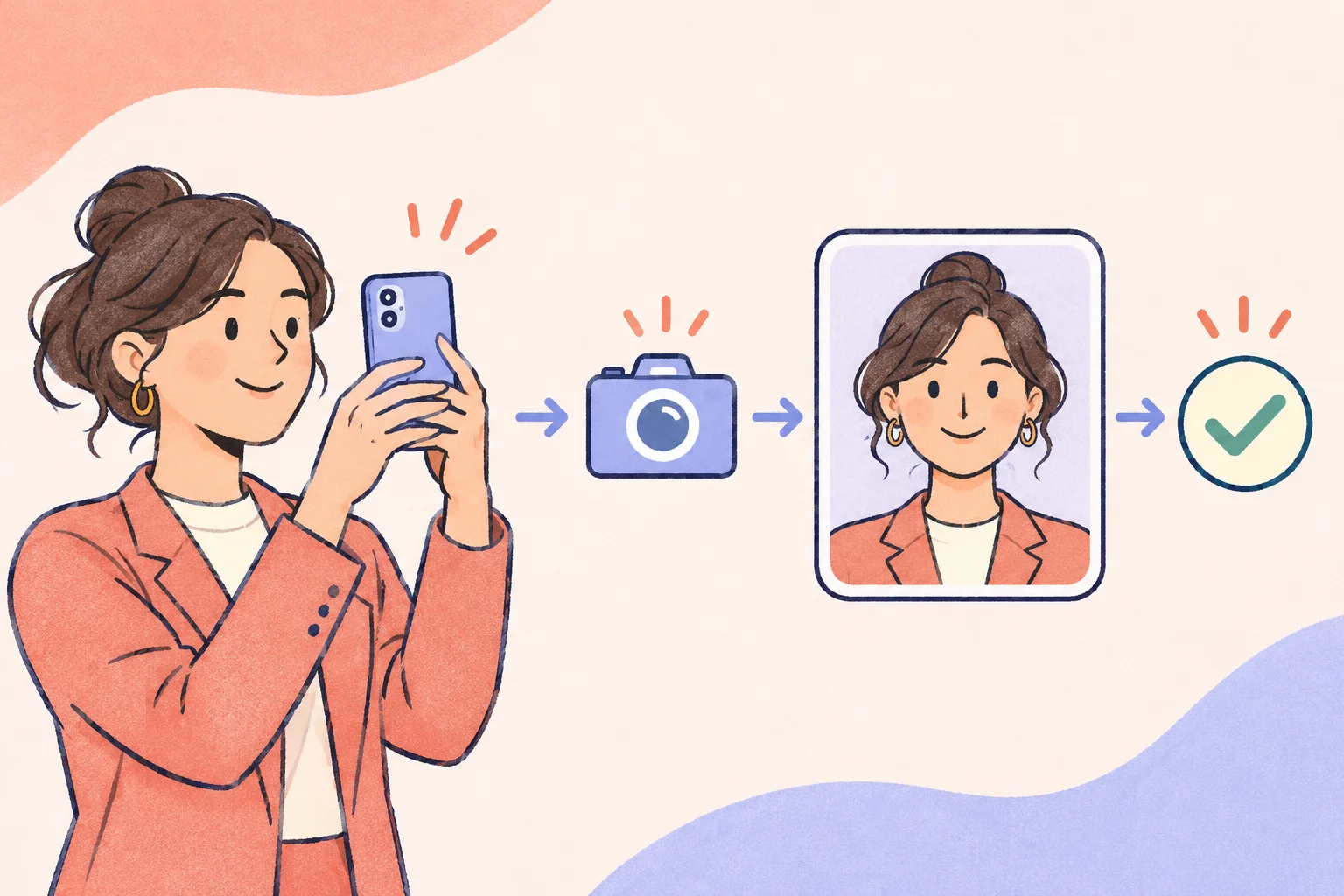
Open Verification in Settings on a camera-enabled device. Allow camera access, follow the displayed pose and submit the photo for moderation. You can check the review status on the same page.
The submitted verification photo is for moderation and is not published as a profile photo. A badge indicates photo verification only; it does not guarantee age verification, the accuracy of all profile information or another member’s intentions.
Related pages
Can I control who sees my photos?
Photo controls allow eligible photos to be marked private. Private-photo access requests can be reviewed in Settings. Your main profile photo may have different restrictions from other photos; follow the controls shown for each photo.
A private photo is not the same as a hidden account. Public profile information may still be visible, and recipients can save images or take screenshots. Incognito mode is a separate premium setting and does not hide all your profile information.
Related pages