
How do I find people and use likes?
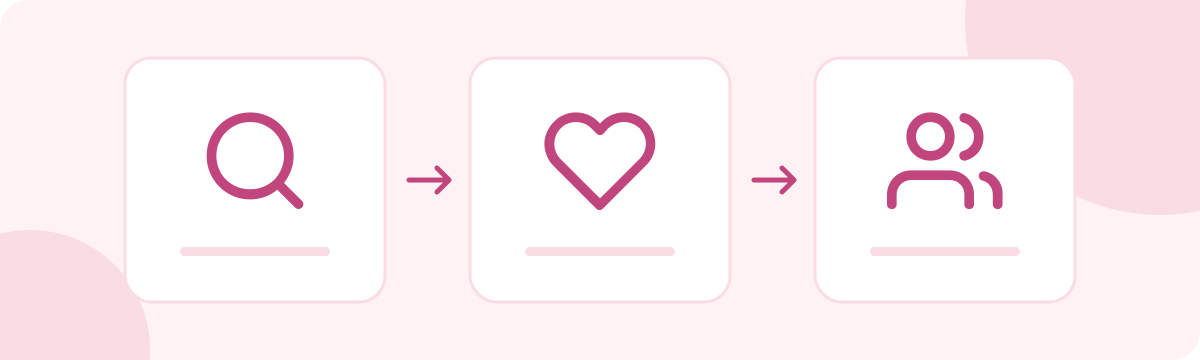
Use Browse to search with the filters shown on the page, or use Encounters to view suggested profiles. Open a profile and use the heart control to express interest.
Connections groups likes you sent, likes you received and mutual likes. Some information or filters may require premium depending on the conditions shown. Search results do not guarantee that someone will reply or agree to meet.
Related pages
Why can I not send a message?

Messages require mutual likes: both you and the other member must like each other. Premium membership does not bypass this condition or a block.
Male members with an active paid plan can send unlimited messages; female members can message without membership charges. Mutual likes, blocks and safety restrictions still apply. Check any error shown, and contact Customer Support with the time and recipient’s profile URL if the issue continues.
Related pages
What are groups?
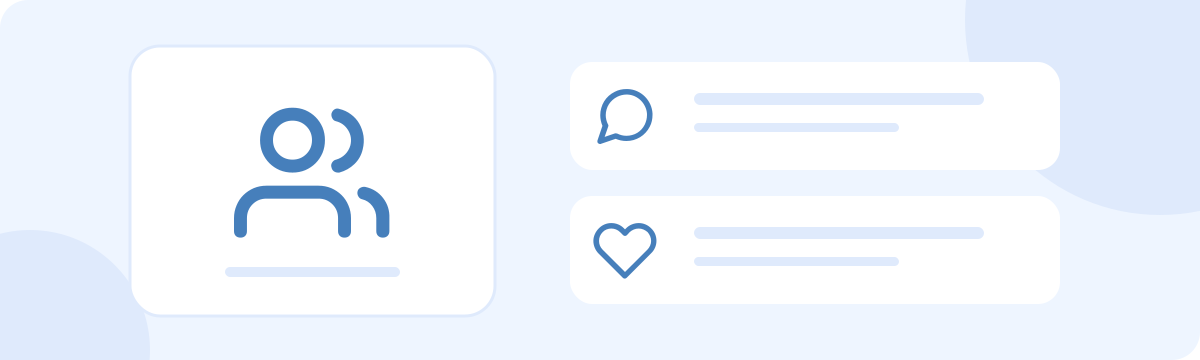
Groups let members gather around shared interests. Open the Groups page, choose a group and review its description and joining conditions before applying or joining. Some groups require approval.
Follow the group rules and the site terms when posting. A group is not a guarantee of an event or meeting. Do not post other people’s private information or send commercial solicitations.
Related pages